
A few months into Project English
I have been working on Project English for months now, adding new things, improving old ones, breaking things I thought were working, and then spending far too much time figuring out why they stopped working. It has been fun, painful, and full of the kind of small technical problems that somehow lead to three more problems once you fix the first one.
When I launched the website back in March 2026, I started by bringing together work I already had. Projects, resources, experiments, and other things were scattered across different places, and I wanted one central place where I could show them. That is what Project English is: my portfolio. I still have no idea what a proper portfolio is supposed to look like, but I am not particularly worried about that anymore. This one reflects what I actually do.
Most of that work is connected, directly or indirectly, to my daily job as an English language teacher in Morocco. I also do not have a particularly positive outlook on where the profession is heading in my country, but that is something I will write about separately. For now, this post is simply an update on two recent projects.
The Project English Placement Test
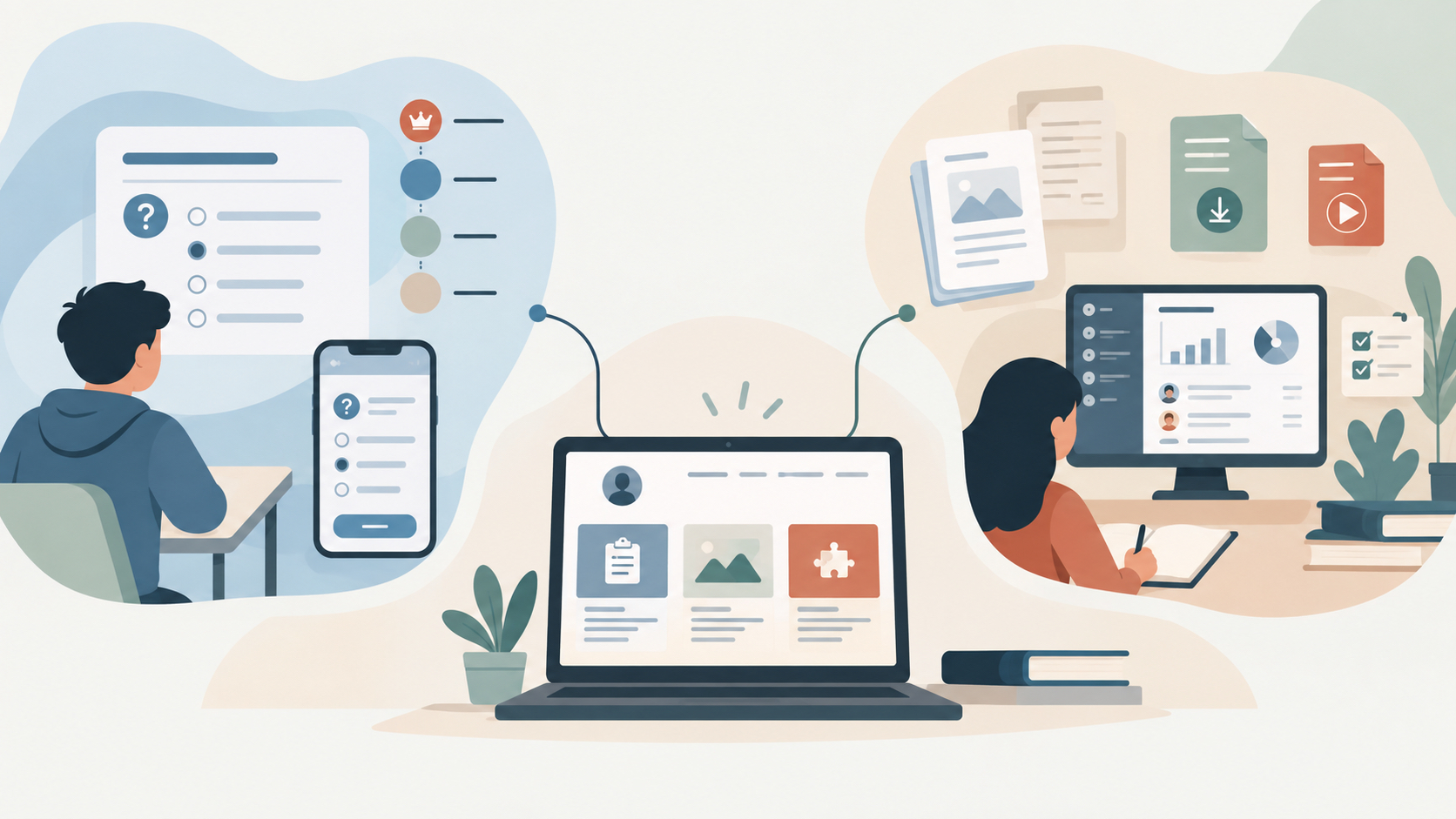
The first is a language placement test, and it is free. A placement test is designed to give learners an estimate of their current proficiency so they have a better idea of where they stand and which level may be appropriate for them. My version uses the Common European Framework of Reference for Languages, or CEFR, as its reference point.
The familiar progression is A1 → A2 → B1 → B2 → C1 → C2. A1 represents beginner-level ability, A2 is elementary, and the scale continues upward from there. The CEFR itself is much broader than a simple online test because it describes what learners can do across listening, reading, spoken interaction, spoken production, and writing.
My current version does not assess all of those areas. It does not yet include audio input for spoken production, and it does not assess extended writing, so in that sense it is still fairly basic. I would like future versions to include both, once I work out how to build those features properly and how to keep the project sustainable. One possibility is that the basic version remains free while speaking and writing assessment become paid features. I honestly do not know yet, and I would rather leave that undecided than pretend I have a business model worked out when I do not.
The interface is currently available in English, French, Spanish, Arabic, and Moroccan Darija. The result is a placement estimate, not an official certificate. Learners can use it as a starting point, compare it with another assessment, or contact me if they need further guidance.
There is also an iOS version in closed TestFlight testing. It is not public yet, but it will be available once I am satisfied that it is ready.
A learning hub for my students
The second project is not actually part of the Project English website. It is a separate site I created for my students, and the simplest description is probably a very basic Learning Management System, or LMS.
I needed somewhere to organize the things I already do with students: share materials, publish assignments and quizzes, collect work, provide supplementary resources, and keep everything in one place. For students, the site offers downloadable resources, worksheets, PDFs, tests, and materials organized by level. For me, the dashboard provides a way to publish assignments and resources, review submissions once they have been organized, and assign additional work when someone needs it.
The site also contains the diagnostic test. Its interface supports English, Arabic, Moroccan Darija, French, and Spanish, including right-to-left layouts, and it connects students with relevant Project English and EasyEnglish resources. It is still under construction, but students are already using it. They have taken the diagnostic test, downloaded resources, and started producing the kind of feedback you only get once something leaves your own computer and reaches actual users.
Why build another LMS?
The obvious question is why I would build even a basic LMS when there are already so many established platforms available. There are several answers, and most of them are practical rather than technical.
Cost is one of them. The school cannot simply adopt an LMS, and paying for one myself does not make much sense for what I am trying to do. It is also not part of the official system I am working within, and there are guidelines around how some digital services are provided.
Then there is the issue of familiarity. Students are not necessarily used to LMS platforms, and something that looks perfectly normal to a teacher or developer can feel complicated to someone who has never used one. Accounts, passwords, menus, notifications, dashboards, and unfamiliar terminology all introduce friction.
Passwords in particular are a nightmare. I have seen the administrative problems that come from students forgetting them, losing access to accounts, or not remembering which credentials they were supposed to use. Passwords often become important only after someone has already lost one. I did not want to spend my time becoming technical support for forgotten logins, so my version relies on information students already know, including their names and birthdays.
It is deliberately simple. I could build a more elaborate authentication system, but that does not automatically make it better for the students who actually have to use it.
When the website works and the student says it does not
The diagnostic test gave me an early example of another problem. Some students reported that it was not working, while from my side I could check the dashboard, analytics, and event logs and find no corresponding application error.
The website does not require special software and is designed to run in a modern browser. There is a basic onboarding message, and if the application detects an error, it provides a message with suggested next steps. Those events are also recorded so I can investigate them later.
There were still cases where a student said the test would not work while the application itself recorded nothing unusual. That leaves several possibilities outside the site itself: the device, the browser, the internet connection, or something happening in the way the student was interacting with the page.
That does not mean the student imagined the problem. From their perspective, something clearly failed. From mine, the application behaved exactly as expected. The difficult part is working out what happened between those two experiences.
Digital literacy is part of the problem
What annoyed me about this was not that I suddenly discovered digital literacy was a problem. I already knew it was. What annoyed me was seeing the same basic problems persist while the conversation around education keeps moving toward bigger ideas such as AI.
There is something frustrating about hearing ambitious talk about AI in education while students can still struggle with basic digital tasks that those systems quietly assume people already know how to do. Before we talk about sophisticated tools, there is still a more ordinary problem underneath them: navigating an unfamiliar website, understanding an error message, recognizing a connection problem, switching browsers, managing an account, or simply explaining what happened when something stopped working.
Being comfortable with WhatsApp, TikTok, or YouTube does not automatically translate into those skills. They are different forms of digital literacy, and when they are missing, adding more technology does not magically solve the problem. Sometimes it only adds another layer of difficulty.
That is the part I find frustrating. We can talk about increasingly advanced technology in education, but if the basic digital environment is still difficult for students to navigate, then part of the foundation is missing.
Sometimes the website really is broken. Sometimes the connection is bad. Sometimes the device is the problem. Sometimes the user missed something that looked obvious from the developer side. The hard part is knowing which one happened and giving people enough guidance to recover from it.
Where the two projects stand now
At the moment, the placement test is a free multilingual CEFR-based assessment with an iOS version in testing and more ambitious features I would like to add later. The learning hub is a deliberately simple platform built for my students because I needed somewhere to organize resources, assignments, tests, and supplementary work without introducing more complexity than necessary.
Neither project is finished, and I do not expect either of them to be finished anytime soon. Every time I use them, I find something I want to change. Every time someone else uses them, I discover something I had not considered.
For now, they are two more projects I can add to the portfolio, and this post is simply an introduction to what they are, why I built them, and where they currently stand.
Placement Test (Web version)