
Notiva — Overview
Notiva is a teaching planner built for everyday classroom use. It helps teachers organize schedules, manage weekly planning, and track lessons without unnecessary complexity. The goal is simple: a reliable timetable you can actually use during the school day.

Most timetable tools are not built for real teaching workflows.
Most timetable tools split planning, scheduling, and daily use across multiple disconnected screens. The result is a system that feels slower than it should be, difficult to maintain, and impractical for everyday classroom use.
Daily teaching requires quick access, minimal friction, and a system that stays usable while moving between classes, lessons, and schedule changes throughout the day.
Timetable focuses on reducing unnecessary complexity by keeping planning, scheduling, and classroom workflow connected inside a simple and structured interface.
The app is organized around four main spaces:
- Day
- Week
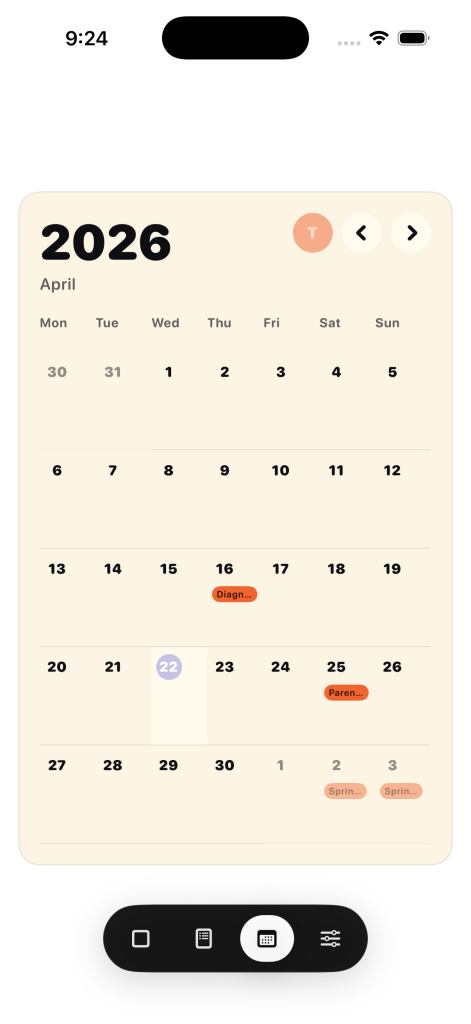
- Month
- Control Center
- Day is the main working surface.
- Week and Month provide context.
- Control Center handles setup and management.
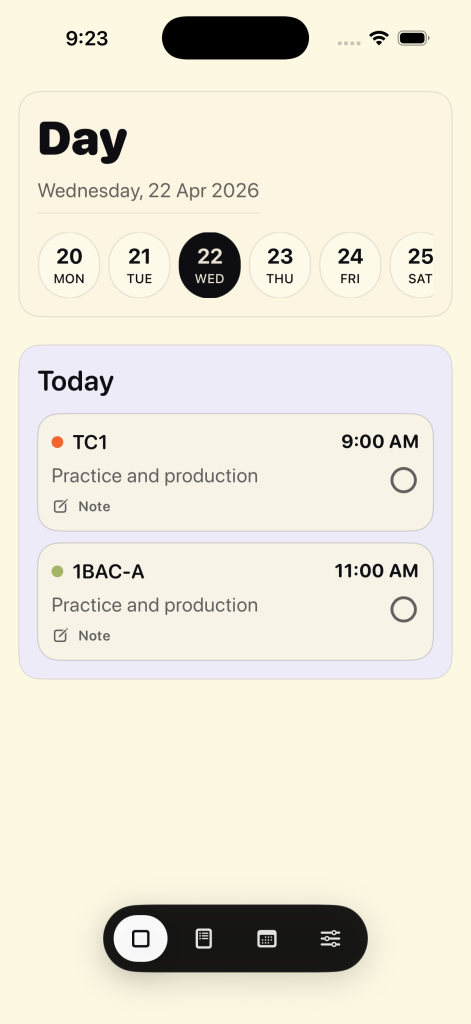
A simplified builder-style flow:
- Set up timetable
- Add classes
- Define time slots
- Assign classes
- Attach tasks to slots
- Everything is kept close to the actual schedule.
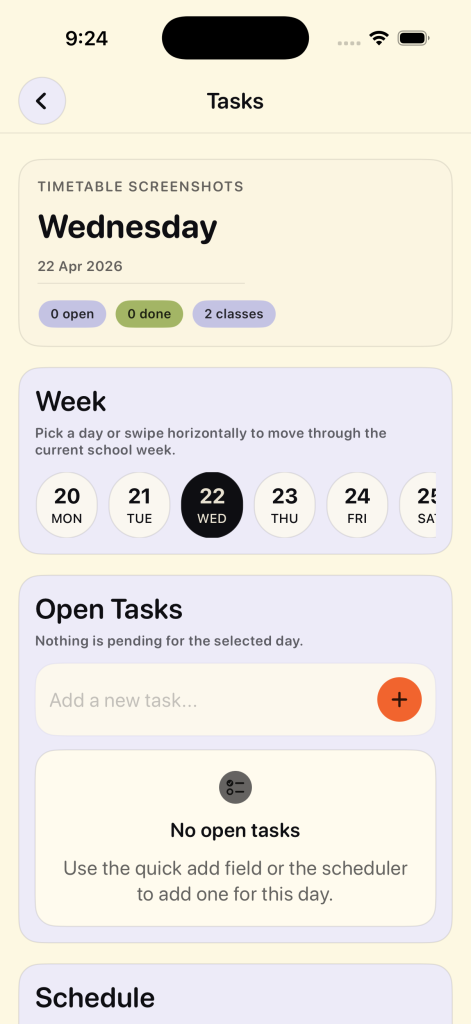
Planning System
- Tasks and reminders are unified
- Work is attached directly to timetable slots
- Planning connects to real schedule, not separate lists
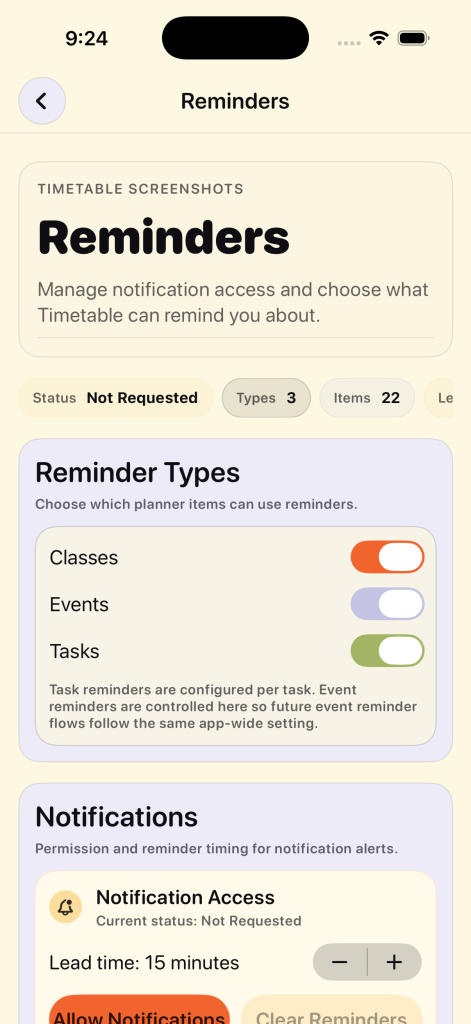
Events
- Add holidays, tests, exams, and breaks
- Import from calendar or files
- Integrated into the planning flow
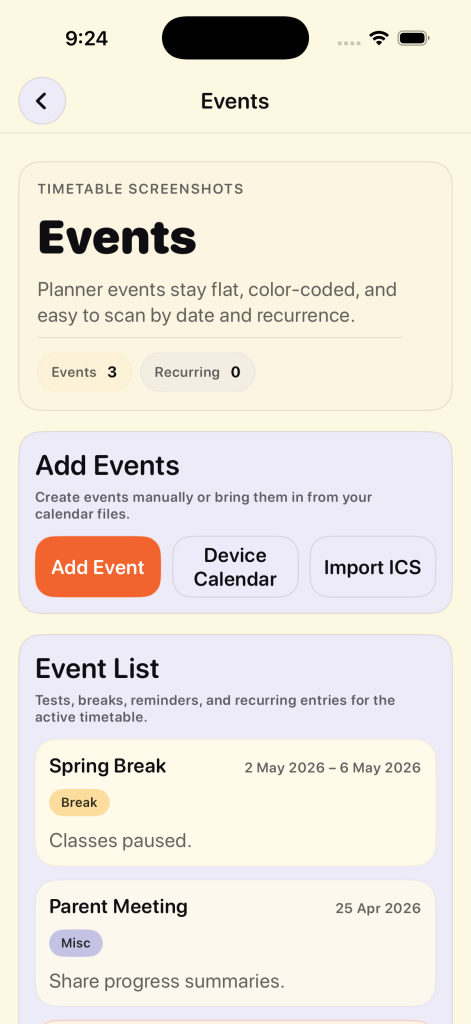
Daily Use
- Focus on today’s schedule
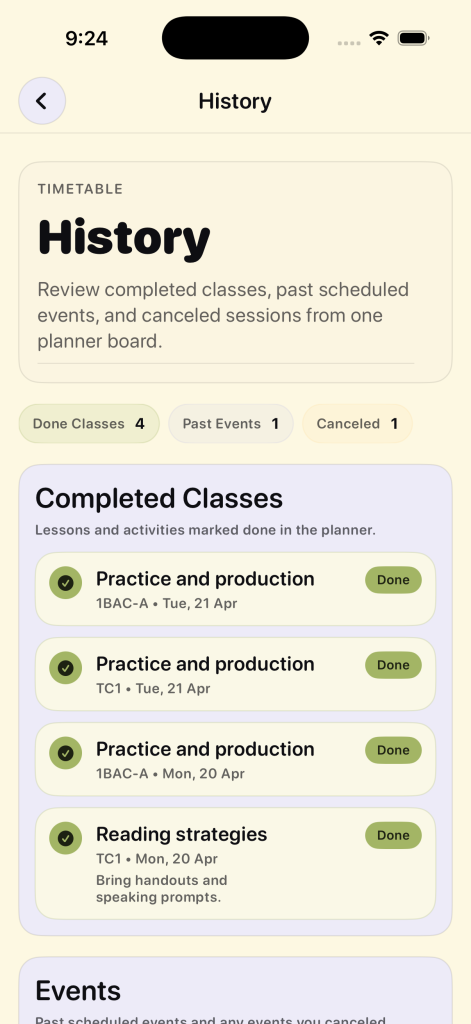
- Mark classes as done or canceled
- Review remaining work for the week
The app is designed to stay useful during the day, not just during setup.
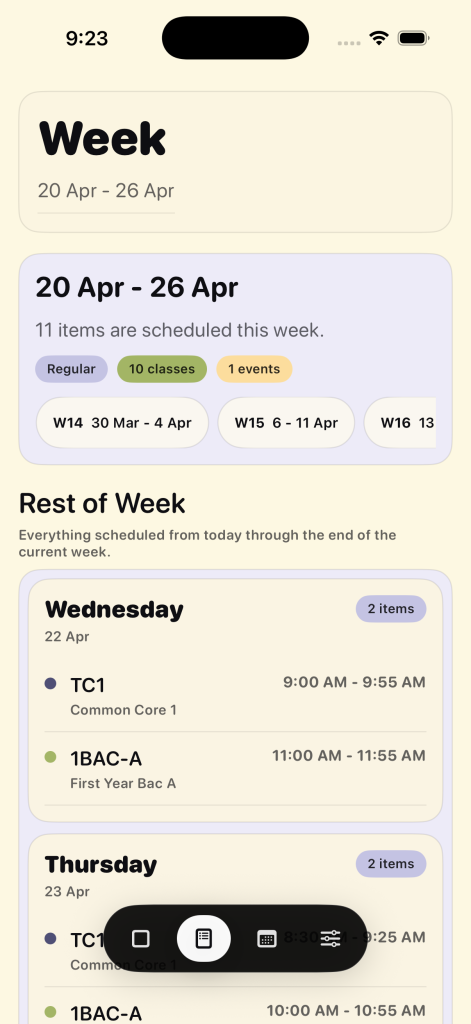
Notiva is designed for continuous daily use.
Notiva becomes a usable daily tool, not just a setup screen.
- Faster setup from empty to working schedule
- Clear structure for daily planning
- Less friction between planning and execution
- Reduced complexity and UI depth
It allows teachers to:
- build a timetable quickly
- manage their week clearly
- stay focused on today’s work

Join 900+ subscribers
Get updates on new projects, blog posts, tools, and resources for English learning and teaching — straight to your inbox.